
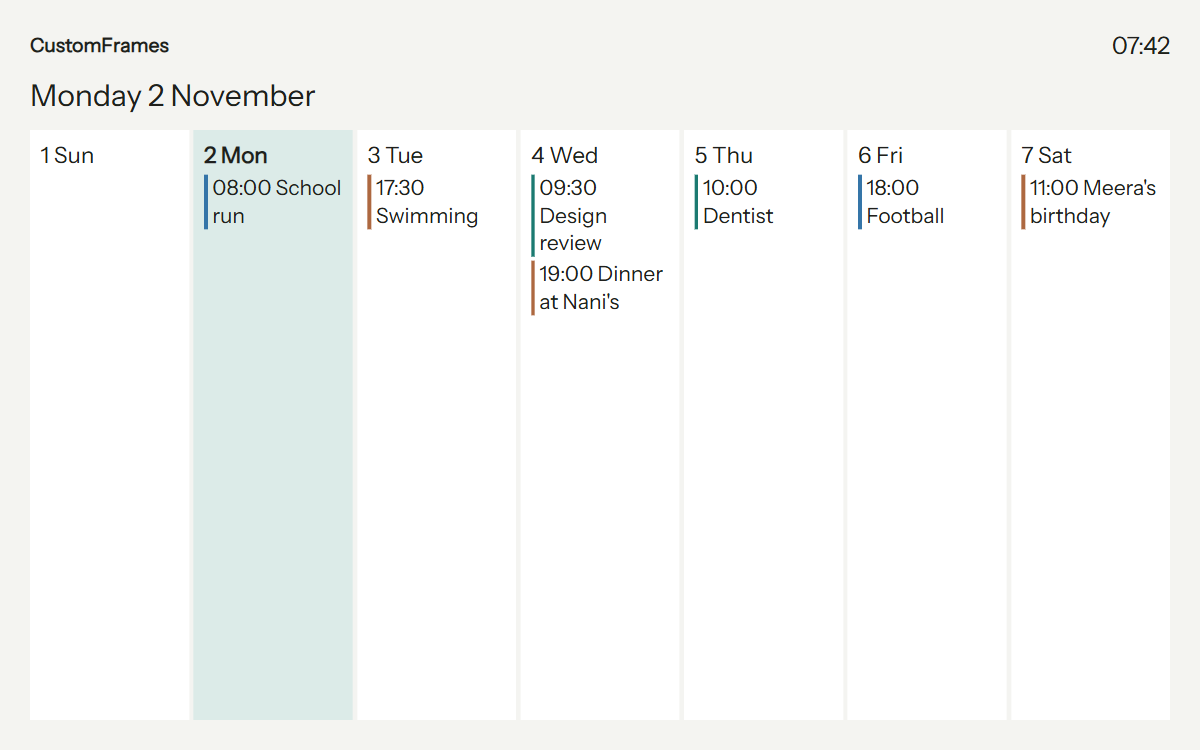
One shared calendar
See school runs, appointments and birthdays in Day, Week, Month or Agenda. Give each person a colour and filter what each display shows.
Add recurring events in the app. Connect Google and Microsoft calendars, iCal/webcal feeds, or CalDAV accounts such as iCloud and Yahoo. Imported events are read-only; edit them with their original provider. Linked calendars refresh periodically.
Everyday wins
Assign chores and morning or evening routines to family profiles. See completed tasks and what remains, with optional portraits to make everyone easy to find.
Tick tasks on a touch-enabled display or manage them from your phone. Award stars and choose rewards that matter to your family.
See the rewards display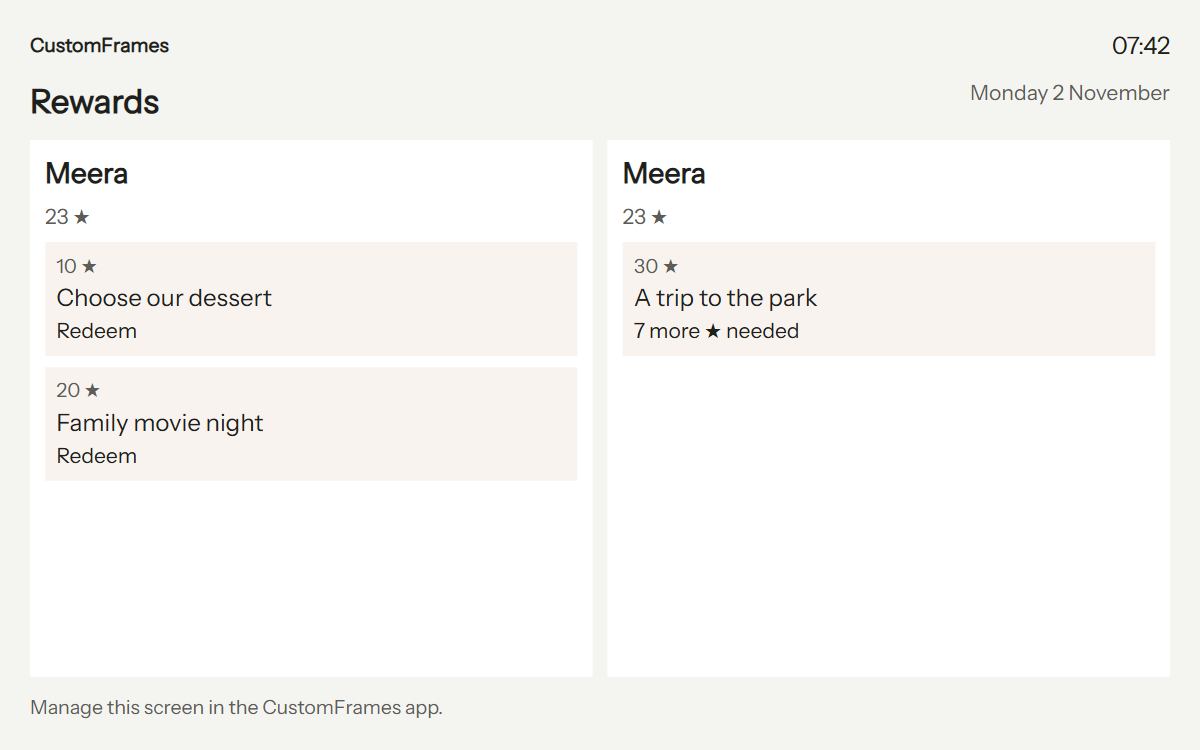
Dinner, decided
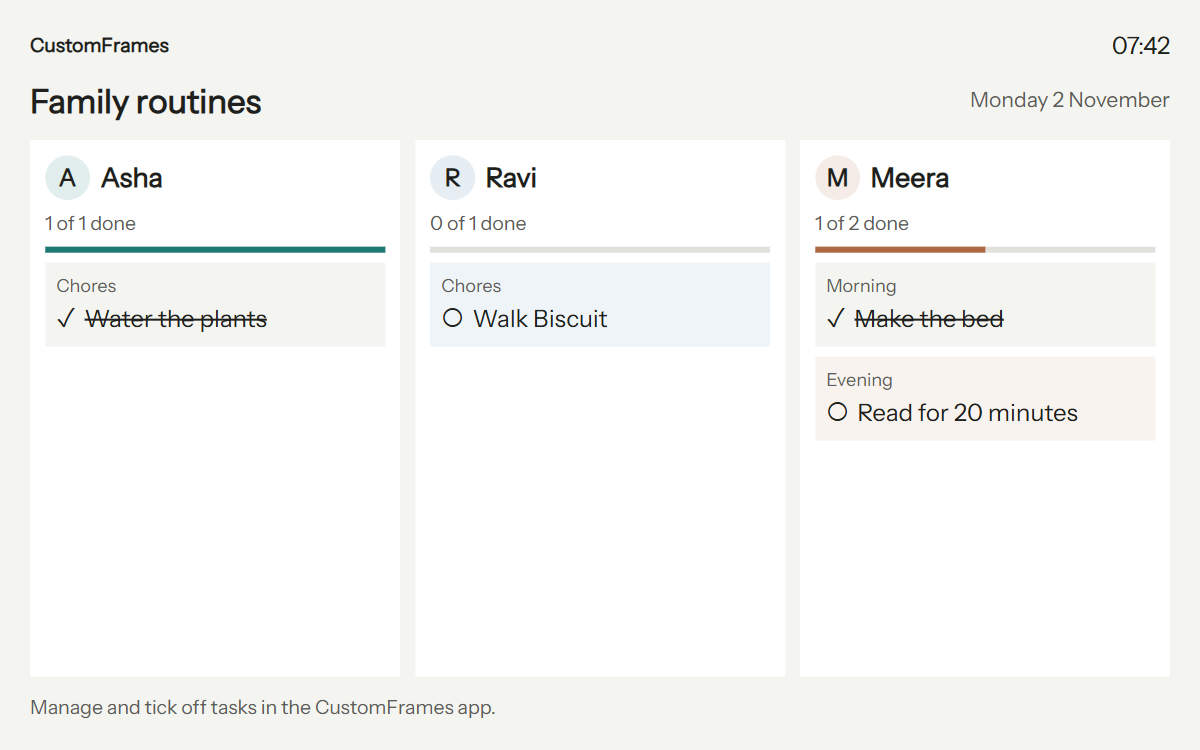
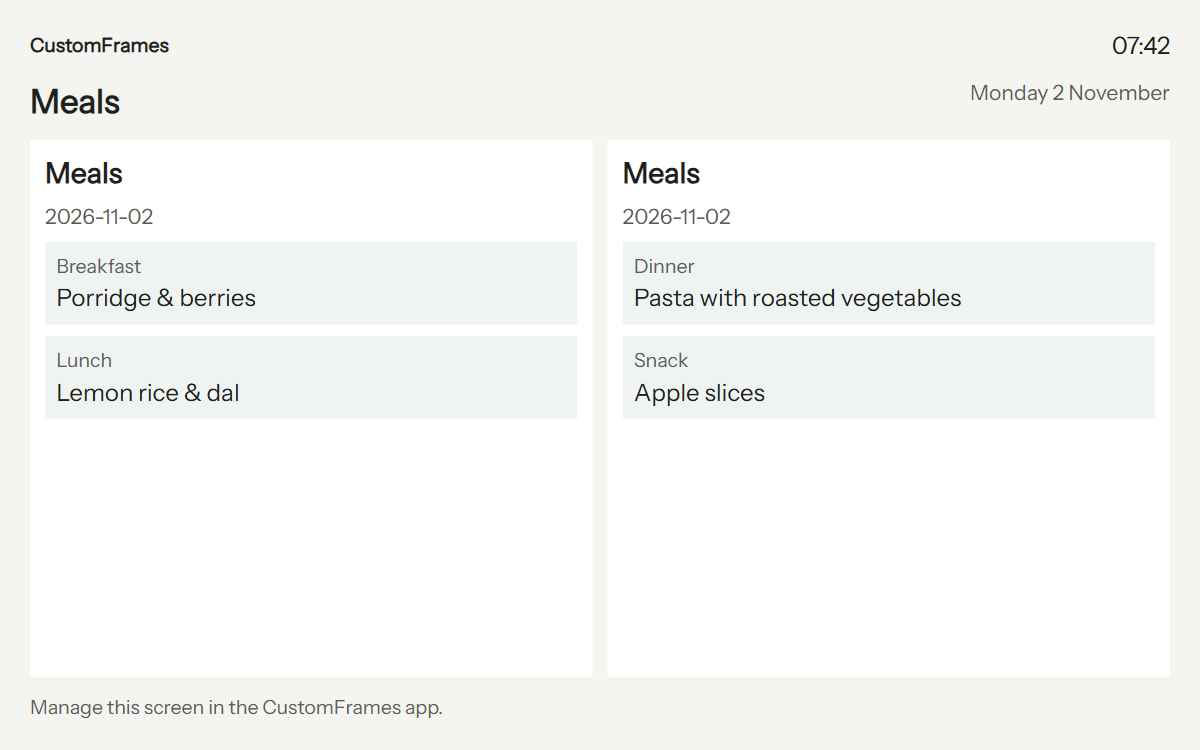
Plan breakfast, lunch, dinner and snacks. Keep recipes, shopping lists and shared to-dos together, and put the day's meals where everyone can see them.
Add countdowns for birthdays and trips. Choose which people and information appear in each room.
Memories in the mix
Choose albums for each frame, show captions, favour favourites and revisit photos from this day in earlier years. Pair portrait photos side by side or choose a slideshow transition and pace.
Invite household members with Administrator, Editor, Contributor or Viewer access. Guests can submit photos through expiring upload links with limits and optional approval.
Selected Google Photos and public iCloud shared-album imports currently copy photos into your household library. The planned BYOC rolling-buffer service is not available yet.

Your room. Your view.
Schedule photos, Calendar, Family and office layouts. Manage quiet hours, content, brightness and settings from your controller phone, including for non-touch displays. Office layouts include announcements and meeting-room information.
The app supports 12 languages. Optional AI imports, AI drafts, email intake, SMS/MMS and screen sharing need their respective provider or network configuration. AI suggestions are reviewed before saving; native scanning and sharing need supported devices and builds.
Know your tablet
Use a supported device or modern HTTPS browser. Native Frame mode stays awake in the foreground; browser wake lock and fullscreen are best effort. Keep the tab visible and check device screen-sleep settings.
Cached photos can continue through interruptions, but browser storage may be cleared and offline reload is not guaranteed. Keep the tablet powered with a suitable charger and ventilated stand. Never reuse a swollen or damaged battery.